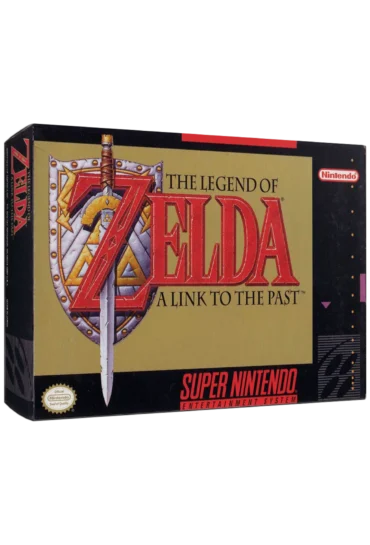
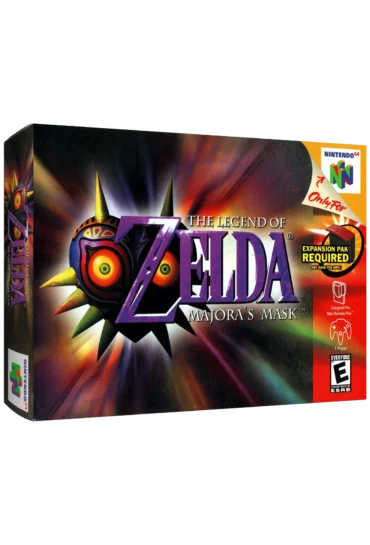
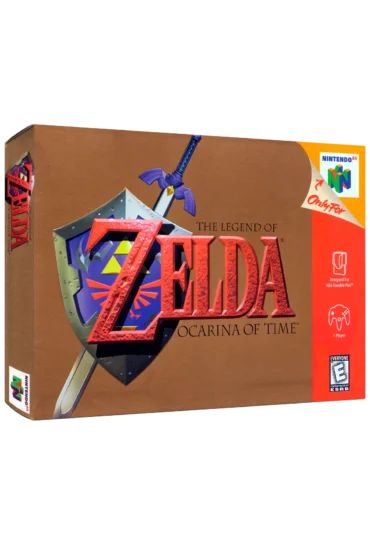
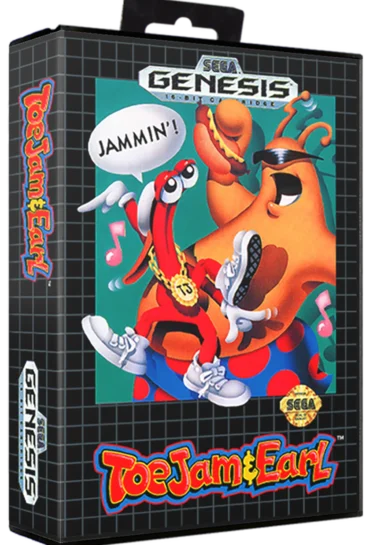
Classic games. Instant nostalgia. No setup required.
Close
🕹️ How to Play Retro Games
Drag & Drop Your ROM File
Drop a .nes, .sfc, .smc, .gb, .bin, .zip, or other supported file right into the box. It loads automatically!
Controls (Keyboard)
Arrow Keys → Move
Z / X → A / B buttons
Enter → Start
Shift → Select
Esc → Open Emulator Menu
Save/Load Games
Press Esc
Choose Save State or Load State (Useful for long games or tricky levels)
Fullscreen Mode
Click the fullscreen icon in the bottom right corner of the game screen.
Controller Support
Plug in a USB or Bluetooth controller (Xbox, PS4, etc.)
Most modern browsers support it out of the box
⚠️ Legal Note
Only upload ROMs you legally own or that are public domain / homebrew.
Saturday Morning Studios does not host or distribute ROMs.
Game Vault
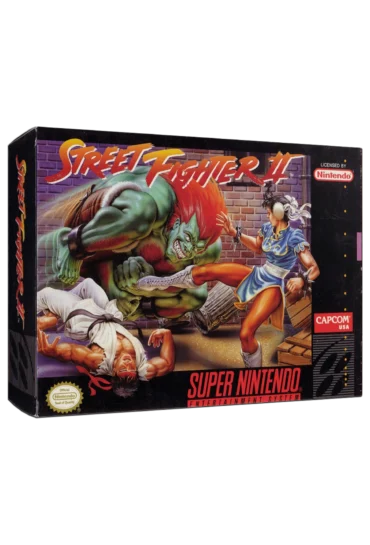
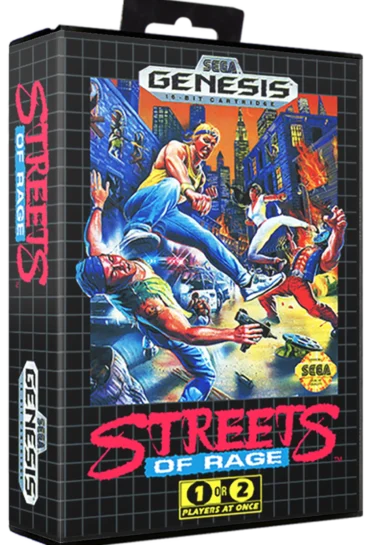
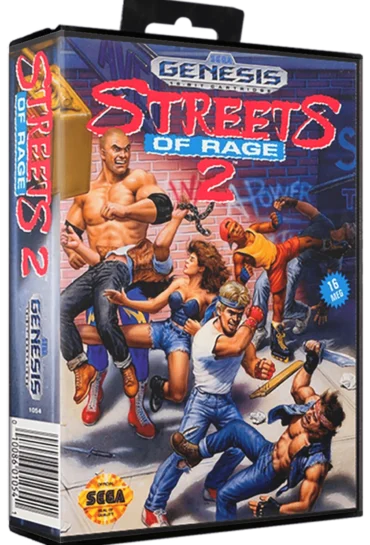
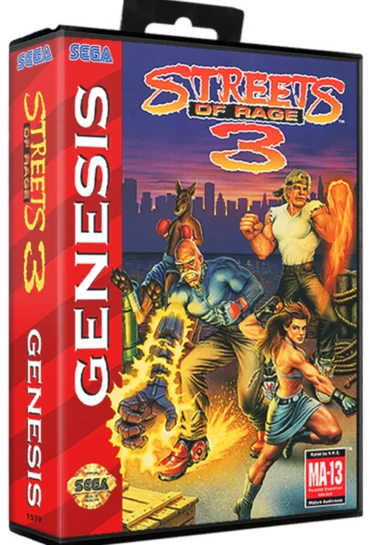
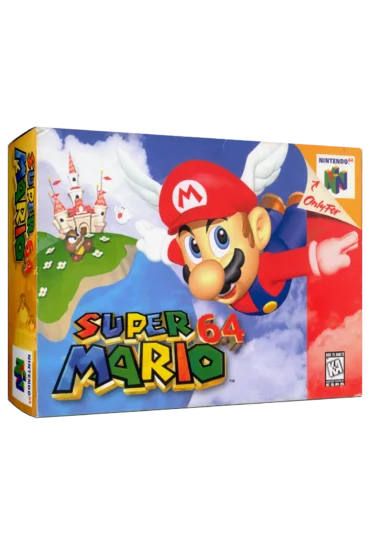
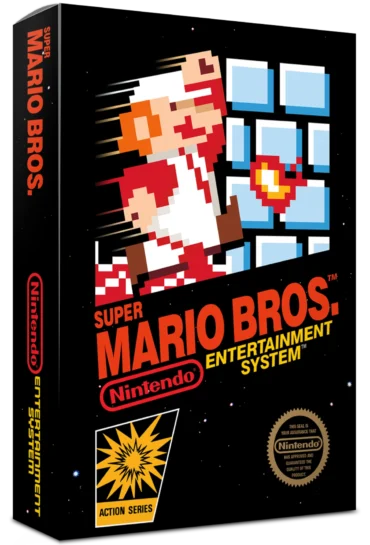
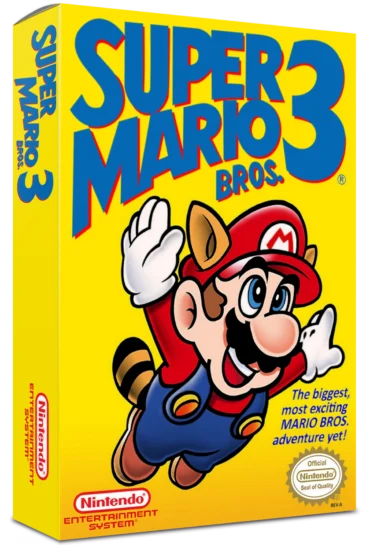
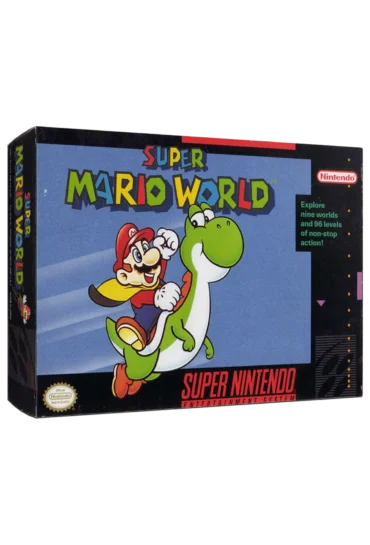
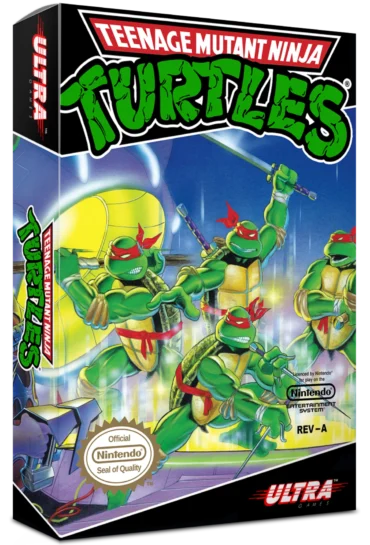
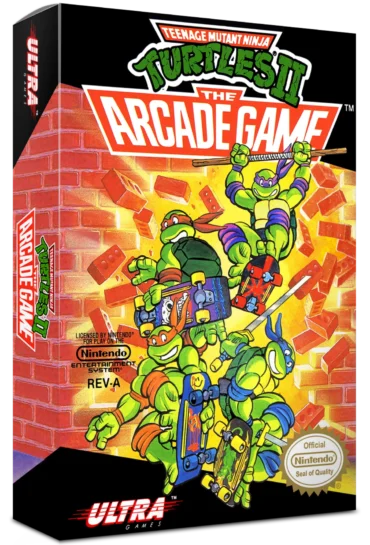
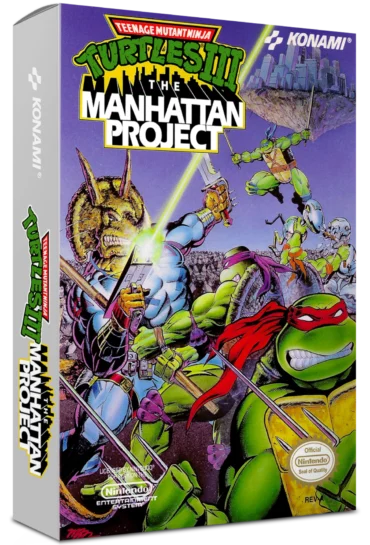
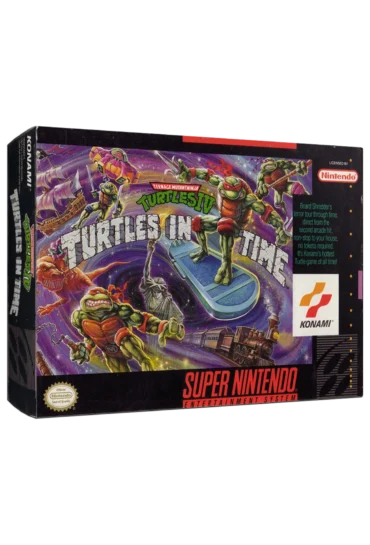
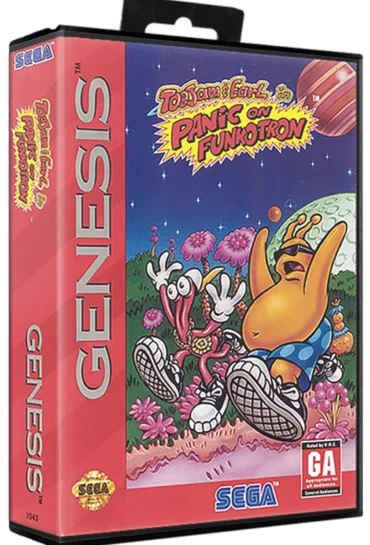
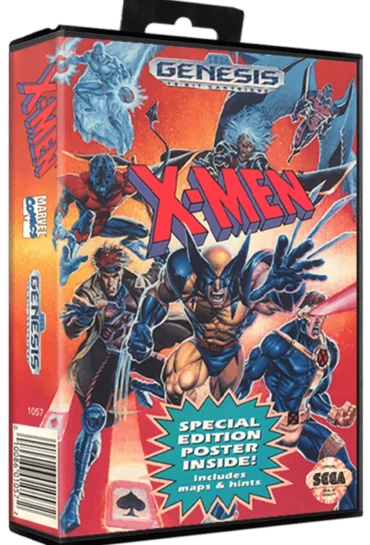
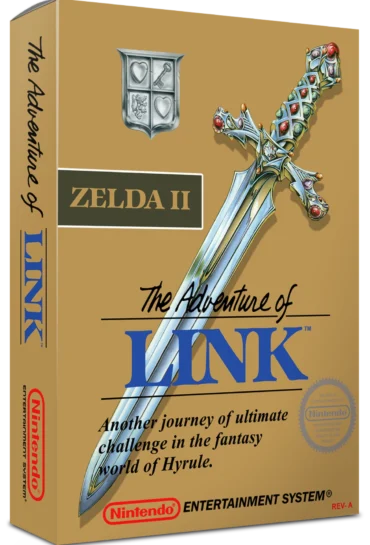
The Game Vault is your retro video game hub inside Saturday Morning Studios. Play classic games, browse iconic titles, and rediscover the video games that defined the 8-bit and 16-bit eras.